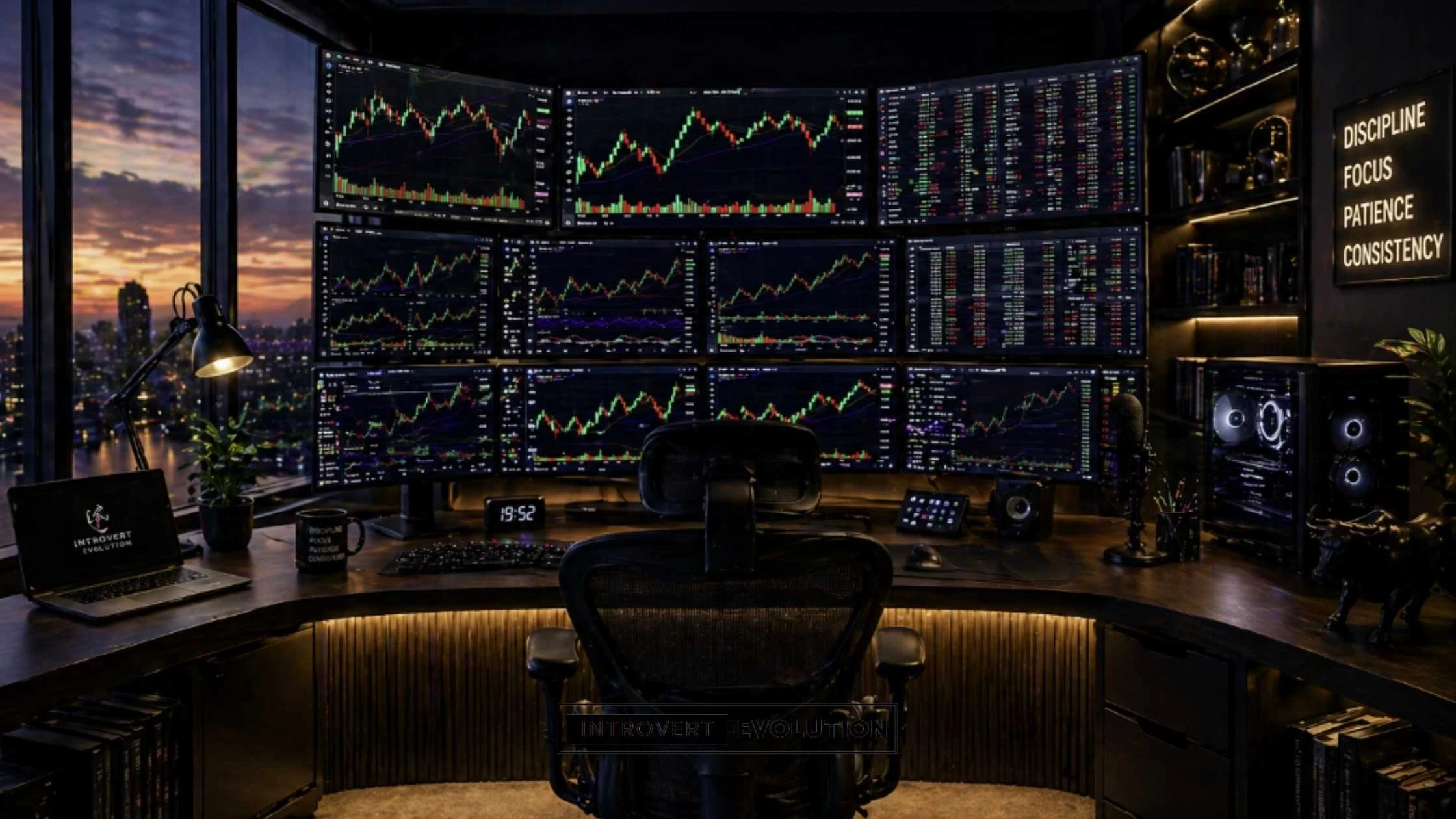
If you spend hours staring at charts, executing trades, and managing risk, your desk setup matters more than you think.
A poor workspace can lead to distractions, discomfort, slower decisions, and even costly mistakes.
But a well-designed trading desk setup can improve your focus, speed, discipline, and overall performance.
Whether you’re a beginner trading from a laptop at your kitchen table or an experienced trader running multiple charts across several monitors, having the right environment can make a huge difference.
The best desk setups for traders in 2026 are not just about looking aesthetically pleasing on social media.
They are about creating a workspace that helps you:
✔ Stay focused during volatile market sessions ✔ View multiple charts and indicators clearly ✔ Reduce neck, back, and eye strain ✔ Execute trades faster and more confidently ✔ Stay organised and distraction-free
As traders, we already deal with enough mental pressure.
The last thing you need is a cramped desk, messy cables, poor lighting, or equipment that slows you down.
In this guide, we’ll cover everything you need to build the perfect trading desk setup – from budget-friendly beginner options to professional multi-monitor workstations.
We’ll also share the best desks, monitors, chairs, accessories, and real-world ideas to help you create a workspace that improves both productivity and performance.
Because while the right desk setup won’t make you profitable…
It can help you stay disciplined long enough to become profitable.
Affiliate Disclosure: As an Amazon Associate, I earn from qualifying purchases. This means I may earn a small commission if you buy through my links, at no extra cost to you.
Why Your Trading Desk Setup Matters
Your trading desk setup is more than just a place to sit.
It can directly affect your performance, discipline, and decision-making.
Trading requires intense focus, quick reactions, and emotional control. If your environment is cluttered, uncomfortable, or distracting, it becomes harder to stay calm and execute your strategy properly.
A well-organised workspace helps reduce mental noise and keeps you focused on what matters most – protecting capital and taking only high-quality setups.
Here’s why having the right trading desk setup matters:
Improved Focus and Concentration
A clean and distraction-free desk can help you stay locked in during key market hours.
When everything has its place, you spend less time looking for things and more time analysing charts.
This is especially important during volatile sessions like the London Open or New York Open, where seconds can matter.
For example, having your main chart on one screen, order execution on another, and market context tools like the VIX or DXY on side screens can make your workflow smoother and reduce decision fatigue.
Faster Execution
The faster you can react, the better.
A slow laptop, a cluttered workspace, or constantly switching tabs can cause delays in execution.
With the right setup, everything is within reach:
- Charts visible at all times
- Broker platform open and ready
- Trading journal nearby
- News feed or economic calendar accessible
This can save valuable seconds when entering or exiting trades.
Better Risk Management
More screen space means better visibility.
Instead of constantly flipping between timeframes or indicators, multiple monitors allow you to see:
- Higher timeframe trend
- Entry timeframe setup
- Key support and resistance levels
- Market internals or related assets
This can help you make smarter, more calculated decisions and improve your overall risk management.
If you use tools like TradingView, Tradovate, or market context charts such as the VIX, DXY, or gold, extra screen space can help reduce tunnel vision and help you protect your capital.
Reduced Physical Fatigue
Long trading sessions can cause:
- neck pain
- eye strain
- wrist discomfort
- lower back pain
An ergonomic chair, properly positioned monitors, and good lighting can help prevent these issues.
When your body feels better, your mind performs better.
Improved Discipline and Routine
A dedicated trading space creates a psychological switch.
When you sit down at your desk, your brain knows it’s time to focus.
This can help reduce impulsive trades from your phone or random chart-checking during work.
A professional setup reinforces professional habits and helps you build stronger daily rituals and routines.
And in trading, discipline is everything.
A great desk setup won’t guarantee profits.
But it can create the environment where disciplined, profitable habits are easier to build over time.
What Every Trader Needs in a Desk Setup
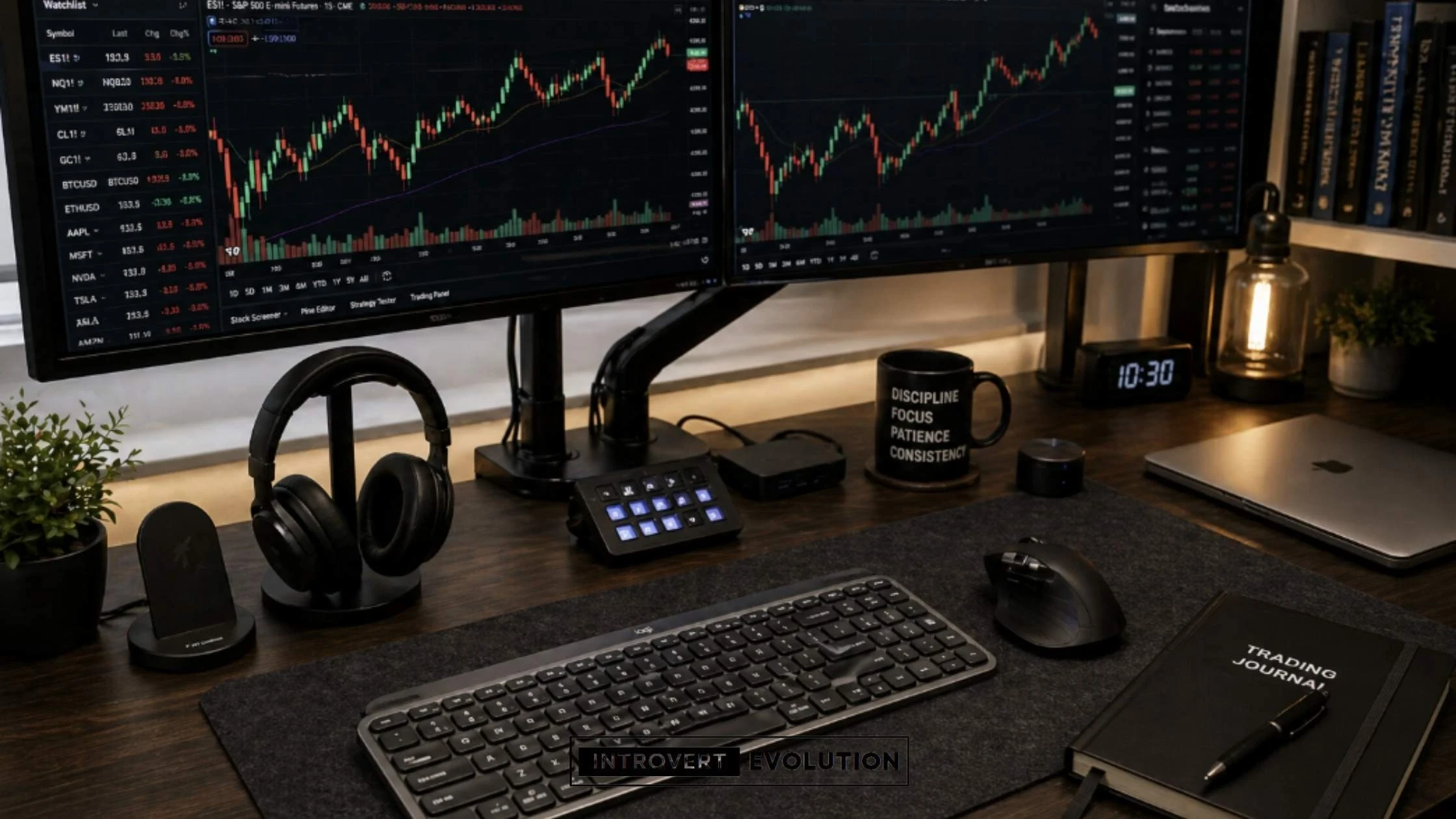
A productive trading desk setup doesn’t need to be expensive.
But it does need to be functional.
The goal is to create a workspace that helps you stay focused, organised, and ready to execute trades efficiently.
Whether you’re trading one chart or managing multiple markets at once, these are the essential components every trader should consider.
A Spacious Desk
Your desk is the foundation of your entire setup.
A small, cramped desk can quickly become cluttered and uncomfortable – especially if you use multiple monitors or keep notebooks, tablets, and accessories nearby.
A good trading desk should offer enough space for:
- monitors or a laptop
- keyboard and mouse
- notebook or trading journal
- coffee or water bottle
- accessories like speakers, lights, or a webcam
Popular desk options for traders include:
Standard Desk
Simple and affordable.
Best for beginner traders using one or two monitors.
Standing Desk
A height-adjustable desk lets you alternate between sitting and standing.
This can reduce fatigue during long sessions and improve posture.
L-Shaped Desk
Perfect for advanced traders.
One side can hold your charts, while the other side can be used for journaling, research, or content creation.
An Ergonomic Chair
If you’re sitting for hours watching the markets, your chair matters.
A poor-quality chair can cause back pain, neck stiffness, and poor posture.
Look for features like:
- lumbar support
- adjustable armrests
- breathable material
- adjustable height and tilt
Many traders prefer office chairs over gaming chairs because they are designed for longer periods of sitting.
Multiple Monitors
Monitors are one of the biggest upgrades you can make.
More screen space means less switching between tabs and a clearer view of the market.
Here are common monitor setups:
1 Monitor Setup
Ideal for beginners.
You can split-screen your chart and execution platform.
2 Monitor Setup
A practical option.
For example:
- Screen 1: a charting platform like TradingView
- Screen 2: broker platform like Tradovate or your trading journal
3 Monitor Setup
Great for active traders.
Example layout:
- Main chart screen
- Entry and execution screen
- Market context screen for VIX, DXY, or news
4+ Monitor Setup
For professional or full-time traders.
Useful for watching multiple assets, strategies, or markets at once.
A Reliable Computer or Laptop
Trading software can be demanding.
Your device should be fast and reliable enough to run:
- charting software
- broker platforms
- browser tabs
- spreadsheets or journaling apps
- news feeds
A lagging computer can cost money.
At a minimum, look for:
- fast processor
- 16GB+ RAM
- SSD storage
Fast Internet Connection
Your internet is your lifeline.
A dropped connection during a trade can be costly.
Ideally, have:
- high-speed broadband
- wired Ethernet connection
- backup mobile hotspot or secondary internet option
Keyboard and Mouse
You use these constantly.
Comfort matters.
Many traders prefer:
- mechanical keyboards
- ergonomic wireless mice
- programmable buttons for shortcuts
Proper Lighting
Bad lighting causes eye strain and fatigue.
Good options include:
- desk lamp
- monitor light bar
- LED ambient lighting behind monitors
Natural light is ideal if possible.
Cable Management
Messy cables create visual stress.
Simple solutions:
- cable trays
- cable sleeves
- clips and ties
A clean desk helps create a clean mind.
Notebook or Trading Journal
Even with digital tools, writing trades down can improve discipline. Use a notebook or journal to track:
- entry and exit reasons
- emotions
- mistakes
- lessons learned
This is one of the most overlooked tools in a trader’s setup. A proper trading journal can also improve your discipline and help you avoid repeated mistakes—just like I explain in my guide on risk management for traders and investors.
Best Desk Setup for Beginner Traders
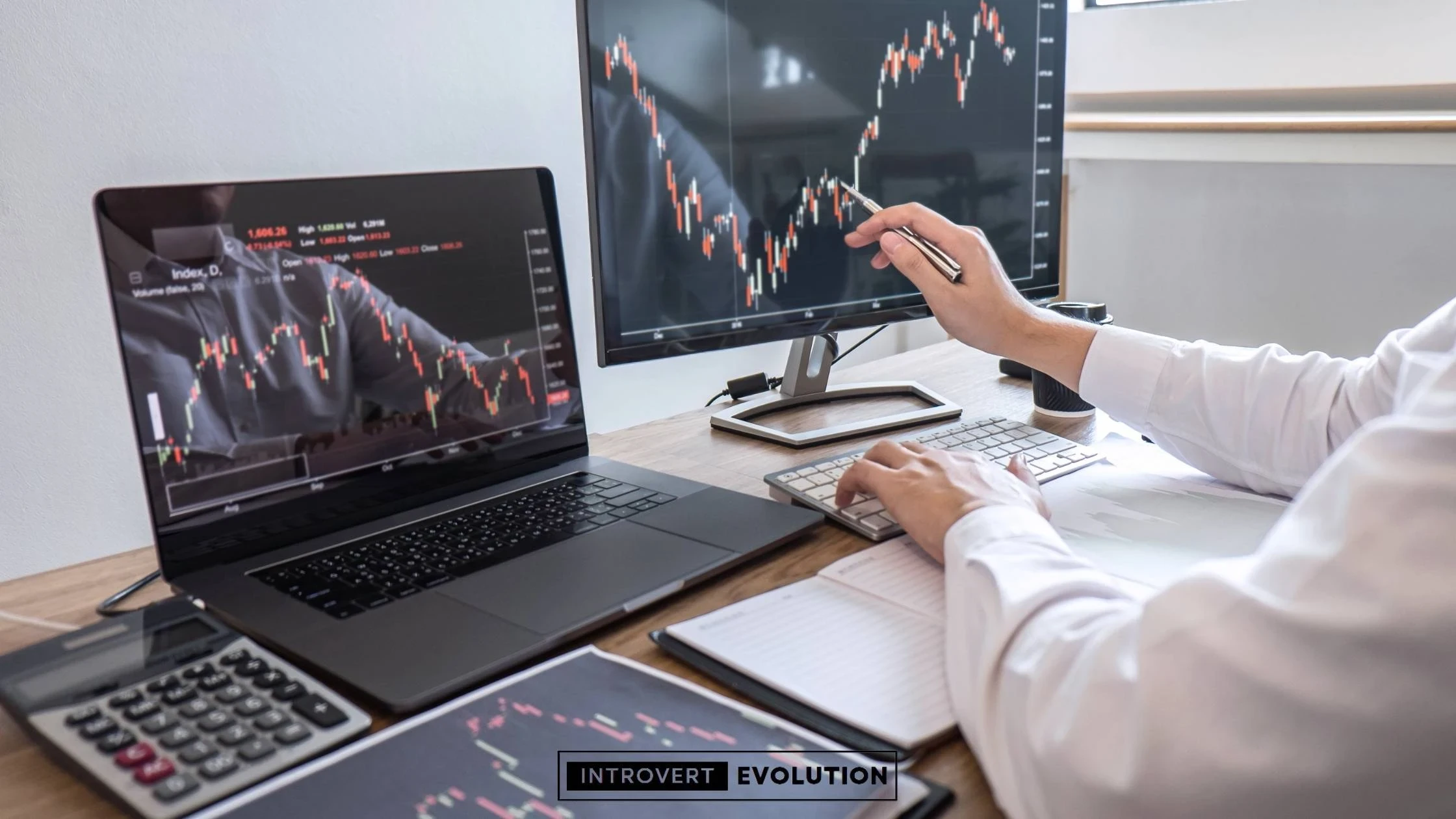
If you’re just starting out, you don’t need an expensive six-monitor setup.
Many profitable traders begin with a simple, clean workspace and upgrade over time.
As a beginner, your goal should be to build a setup that helps you learn, stay organised, and execute trades without unnecessary distractions.
Focus on essentials first.
You can always expand later.
Beginner Trading Desk Essentials
A beginner-friendly trading setup should include:
- A laptop or desktop computer
- One external monitor
- A simple desk
- A comfortable chair
- A keyboard and mouse
- A notebook or trading journal
- A stable internet connection
This setup gives you enough space to:
- analyse charts
- place trades
- track your progress
- learn without overwhelm
Example Beginner Trading Desk Setup
A simple example might look like this:
- Laptop running TradingView or another charting platform
- 24–27 inch monitor for better chart visibility
- Basic office desk
- Affordable ergonomic office chair
- Notebook for trade journaling
- Broker platforms such as Tradovate open in split-screen mode
This is enough to build consistency before investing heavily in equipment.
Estimated Budget for a Beginner Setup
Here’s a rough idea of what a beginner trading setup may cost:
- Desk: £80–£200
- Chair: £100–£250
- Monitor: £100–£250
- Keyboard and mouse: £30–£100
- Notebook/journal: £10–£30
Estimated total:
£300–£800 (excluding laptop or PC)
That’s more than enough to create a functional and professional workspace.
Beginner Setup Tips
To get the most out of your setup:
Keep It Clean
Avoid clutter and unnecessary gadgets.
The more distractions you have, the harder it is to focus.
Prioritise Screen Space
A second screen often improves productivity more than expensive accessories.
Start with What You Have
Don’t delay trading or learning because your setup isn’t perfect.
Use what you have and upgrade as you improve.
Focus on Skill Over Gear
A fancy desk won’t make you profitable.
Learning risk management and discipline matters more.
The best beginner setup is simple, affordable, and distraction-free.
Master the basics first.
Then scale your workspace as your trading grows.
Best Desk Setup for Intermediate Traders
Once you’ve moved beyond the beginner stage, your desk setup should evolve with you.
At this level, you’re likely trading more consistently, tracking multiple charts, journaling your trades, and refining your strategy.
An intermediate trading desk setup should improve efficiency, comfort, and speed.
This is where your workspace starts becoming a real performance tool.
What Changes at the Intermediate Level?
As an intermediate trader, you may be:
- monitoring multiple timeframes
- trading more than one asset or market
- using additional tools like economic calendars or news feeds
- keeping a detailed trading journal
- reviewing trades and learning from common trading mistakes
- backtesting strategies
Your setup should support all of this without feeling cluttered.
Intermediate Trading Desk Essentials
A strong intermediate setup typically includes:
- a desktop PC or high-performance laptop
- dual monitors or an ultrawide monitor
- an ergonomic office chair
- a larger desk or a standing desk
- mechanical keyboard and ergonomic mouse
- better lighting
- cable management accessories
- notebook or digital trade journal
Example Intermediate Trading Desk Setup
A practical intermediate setup might look like this:
Monitor 1: Main charting screen with TradingView showing multiple timeframes.
Monitor 2: Execution platform such as Tradovate, plus your journal or notes.
Optional extras:
- tablet or laptop for market news or Discord communities
- phone stand for alerts only
- an economic calendar open in your browser
This type of layout reduces tab switching and keeps you organised.
Estimated Budget for an Intermediate Setup
Typical costs:
- Desk or standing desk: £200–£600
- Ergonomic chair: £250–£800
- 2 monitors or ultrawide: £300–£800
- Keyboard and mouse: £80–£250
- Lighting and accessories: £50–£200
- Cable management tools: £20–£50
Estimated total:
£800–£2,000 (excluding your PC or laptop)
Recommended Upgrades at This Stage
At the intermediate level, these upgrades can make a real difference:
Monitor Arms
They free up desk space and improve ergonomics.
Standing Desk
Helps reduce fatigue during long sessions.
Better Chair
A quality chair can improve posture and reduce back pain.
Improved Lighting
A monitor light bar or LED ambient lights can reduce eye strain.
Backup Internet
A mobile hotspot can save you if your main internet fails during a trade.
Why This Setup Matters
At this stage, your trading becomes more serious.
You’re not just learning.
You’re building consistency.
A professional workspace can improve:
- focus
- execution speed
- discipline
- comfort during long sessions
It also creates a stronger “work mode” mindset.
And mindset matters in trading.
This is the stage where many traders begin to feel and act more professional.
Your setup should reflect that.
Best Desk Setup for Professional Traders
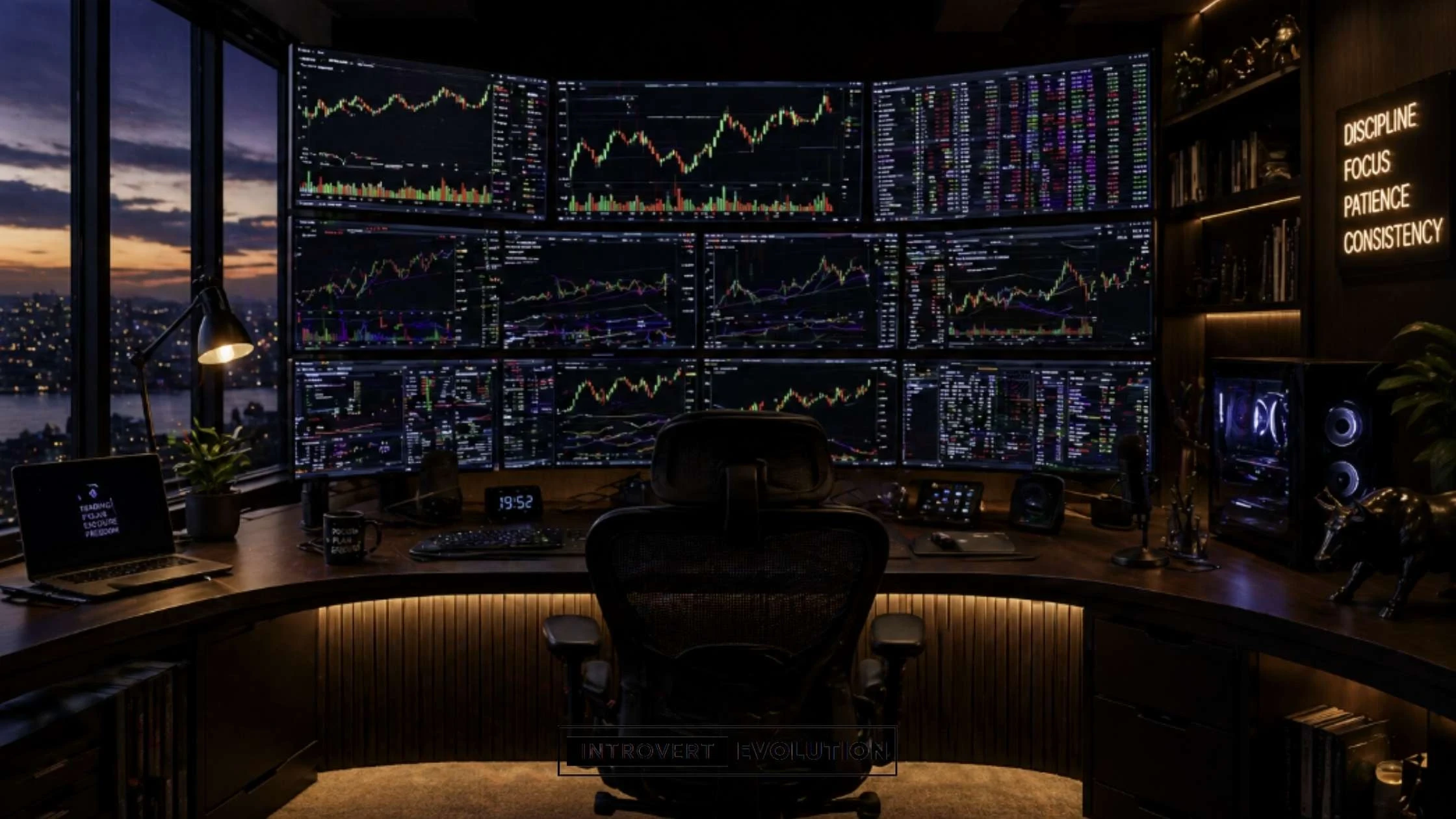
Professional traders need more than just a clean desk and a couple of screens.
At this level, your setup becomes a command centre.
You’re likely managing multiple positions, tracking several markets, monitoring news, journaling performance, and executing trades quickly.
Your workspace should be built for speed, efficiency, comfort, and reliability.
Every second matters.
What Professional Traders Need
A professional trading desk setup is designed to minimise friction and maximise performance.
At this level, traders often need:
- multiple monitors
- high-performance computer systems
- advanced charting and execution platforms
- ergonomic furniture
- backup systems for the internet and power
- dedicated space for analysis, journaling, and content creation
This type of environment helps reduce mistakes and improve workflow.
Example Professional Trading Desk Setup
A professional setup may include 3 to 6 screens, each serving a purpose.
For example:
Monitor 1: Main execution chart on TradingView
Monitor 2: Broker platform such as Tradovate
Monitor 3: Higher timeframe charts and key levels
Monitor 4: Market internals such as VIX, DXY, and correlated markets like gold
Monitor 5: Economic calendar, breaking news, Discord, or chat rooms
Monitor 6: Trade journal, spreadsheets, or content creation tools
This allows you to monitor everything without constantly switching tabs.
Hardware for Professional Traders
A professional trading desk setup should include reliable hardware:
High-Performance PC or Mac
Specs to consider:
- powerful processor
- 32GB RAM or more
- SSD or NVMe storage
- dedicated graphics card if using multiple displays
A lagging system can cause delays and stress.
Backup Internet Connection
A secondary internet option is critical.
Examples:
- mobile hotspot
- second broadband provider
- 5G backup router
This can save you during outages.
UPS Battery Backup
A UPS (Uninterruptible Power Supply) can keep your system running long enough to close trades safely during a power cut.
A smart investment for active traders.
Professional Desk and Ergonomics
At this level, comfort becomes essential.
Long hours at the desk require:
- Large standing desk or L-shaped desk
- Premium ergonomic chair
- Monitor arms for better screen positioning
- Footrest or anti-fatigue mat if standing
Estimated Budget for a Professional Setup
A high-performance setup may cost:
- desk: £400–£1,500
- chair: £700–£1,500
- monitors: £800–£3,000+
- PC or Mac: £1,500–£4,000+
- accessories: £200–£1,000
- backup internet and UPS: £200–£800
Estimated total:
£2,500+
This is an investment in comfort and performance.
Why Professional Traders Invest in Their Setup
At this level, your setup can impact:
- execution speed
- focus and efficiency
- emotional control
- reliability during volatile markets
A professional workspace can reduce frustration and improve confidence.
And confidence helps execution.
The goal isn’t to look impressive.
The goal is to build an environment where you can perform at your best every day.
Best Monitors for Traders in 2026
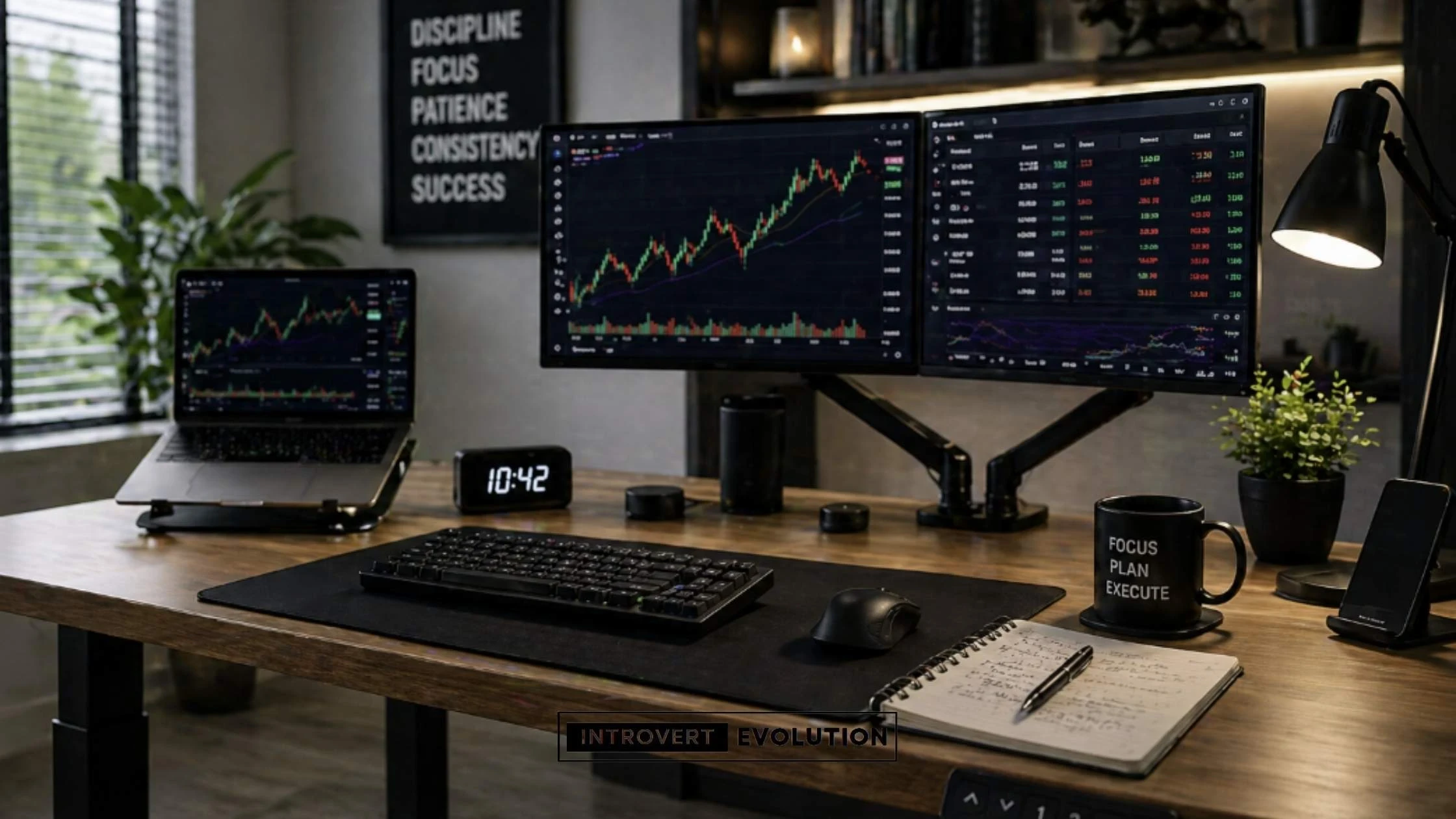
Your monitor is one of the most important parts of your trading desk setup.
The clearer and larger your screen space, the easier it is to analyse charts, monitor multiple timeframes, and execute trades efficiently.
A poor monitor can lead to eye strain, missed details, and constant tab switching.
A good monitor can improve both comfort and performance.
What to Look for in a Trading Monitor
Not all monitors are created equal.
Here are the key features traders should consider before buying:
Screen Size
The most common sizes for traders are:
- 24-inch – Great for beginners or smaller desks
- 27-inch – The sweet spot for most traders
- 32-inch+ – Better for advanced traders or 4K setups
- Ultrawide monitors – Excellent for replacing dual screens
Resolution
Higher resolution means sharper charts.
Common options:
- 1080p – budget-friendly and fine for most beginners
- 1440p (QHD) – sharper and ideal for 27-inch monitors
- 4K – ultra-sharp for large screens or professional setups
Panel Type
The best panel types for traders:
- IPS – better colour and viewing angles
- VA – deeper contrast
- TN – faster response times but poorer colours
IPS is usually the best choice for trading.
Refresh Rate
Trading doesn’t require gaming-level refresh rates, but smoother movement helps.
A 60Hz to 100Hz monitor is usually enough.
Eye Comfort Features
Long sessions can cause eye strain.
Look for:
- blue light reduction
- flicker-free technology
- anti-glare screen
These features make a big difference.
Best Budget Monitors for Traders
If you’re building an affordable setup, these are great options:
Dell S2721HS
27-inch | 1080p | 75Hz | IPS | Best for beginners
A reliable and affordable 27-inch monitor with thin bezels and an IPS display.
Perfect if you want more screen space without overspending.
✅ IPS display with good colours ✅ Thin bezels for dual-monitor setups ✅ Affordable ✅ Built-in speakers
❌ Only 1080p ❌ Not height adjustable on some versions
AOC 24G2
24-inch | 1080p | 144Hz | IPS | Best value
A solid budget option with a higher refresh rate and great performance.
Ideal if you want smooth movement and flexibility.
✅ 144Hz refresh rate ✅ IPS panel ✅ Height adjustable ✅ Great value for money
❌ Smaller 24-inch screen ❌ Less workspace than 27-inch
LG 27MP400
27-inch | 1080p | 75Hz | IPS | Best cheap 27-inch
A simple and budget-friendly monitor ideal for charting.
✅ Affordable ✅ IPS panel ✅ Large 27-inch display
❌ Basic stand ❌ Lower pixel density at 27-inch
Best Mid-Range Monitors for Traders
For traders ready to upgrade:
Dell UltraSharp U2724D
27-inch | 1440p | 120Hz | IPS Black | Best overall
A premium productivity monitor with crisp QHD resolution and excellent ergonomics.
✅ Sharp QHD display ✅ Excellent colour accuracy ✅ Height/tilt/swivel adjustments ✅ Great for dual setups
❌ More expensive than budget options
LG 27QN880
27-inch | 1440p | 75Hz | IPS | Best ergonomic option
Comes with an ergonomic arm included.
Ideal for traders wanting a clean desk setup.
✅ Included monitor arm ✅ Sharp QHD display ✅ Great ergonomics ✅ USB-C support
❌ Lower refresh rate
Samsung ViewFinity S6
27-inch | 1440p | 100Hz | Best productivity monitor
A great productivity-focused display with sharp clarity.
✅ Sharp image quality ✅ Thin bezels ✅ Good ergonomics
❌ Not as premium as UltraSharp
Best Premium Monitors for Traders
For advanced or professional traders:
Samsung Odyssey G9
49-inch | Dual QHD | 144Hz+ | Curved | Best ultrawide
A massive curved ultrawide monitor that can replace multiple screens.
Perfect for creating a trading command centre.
✅ Huge screen space ✅ Curved immersive design ✅ High refresh rate ✅ Great aesthetics
❌ Expensive ❌ Requires a large desk
LG UltraWide 49WQ95C
49-inch | Dual QHD | Curved | Best for productivity
Excellent for running multiple charts on one seamless screen.
✅ Massive workspace ✅ USB-C and Thunderbolt ✅ Clean minimal setup
❌ Expensive
Dell UltraSharp 32 4K
32-inch | 4K | IPS Black | Best for clarity
Crystal-clear charts and premium build quality.
✅ Ultra-sharp 4K display ✅ Premium build ✅ Excellent colours ✅ USB-C hub
❌ Expensive ❌ 60Hz on some models
Dual Monitors vs Ultrawide for Trading
This depends on personal preference.
Dual Monitors
Pros:
- easier to organise windows
- flexible layout
- cheaper to upgrade gradually
Ultrawide Monitor
Pros:
- seamless workspace
- fewer cables
- cleaner aesthetic
The right monitor setup can make trading smoother, easier, and less stressful.
It’s one of the best upgrades you can make.
Best Standing Desks for Traders
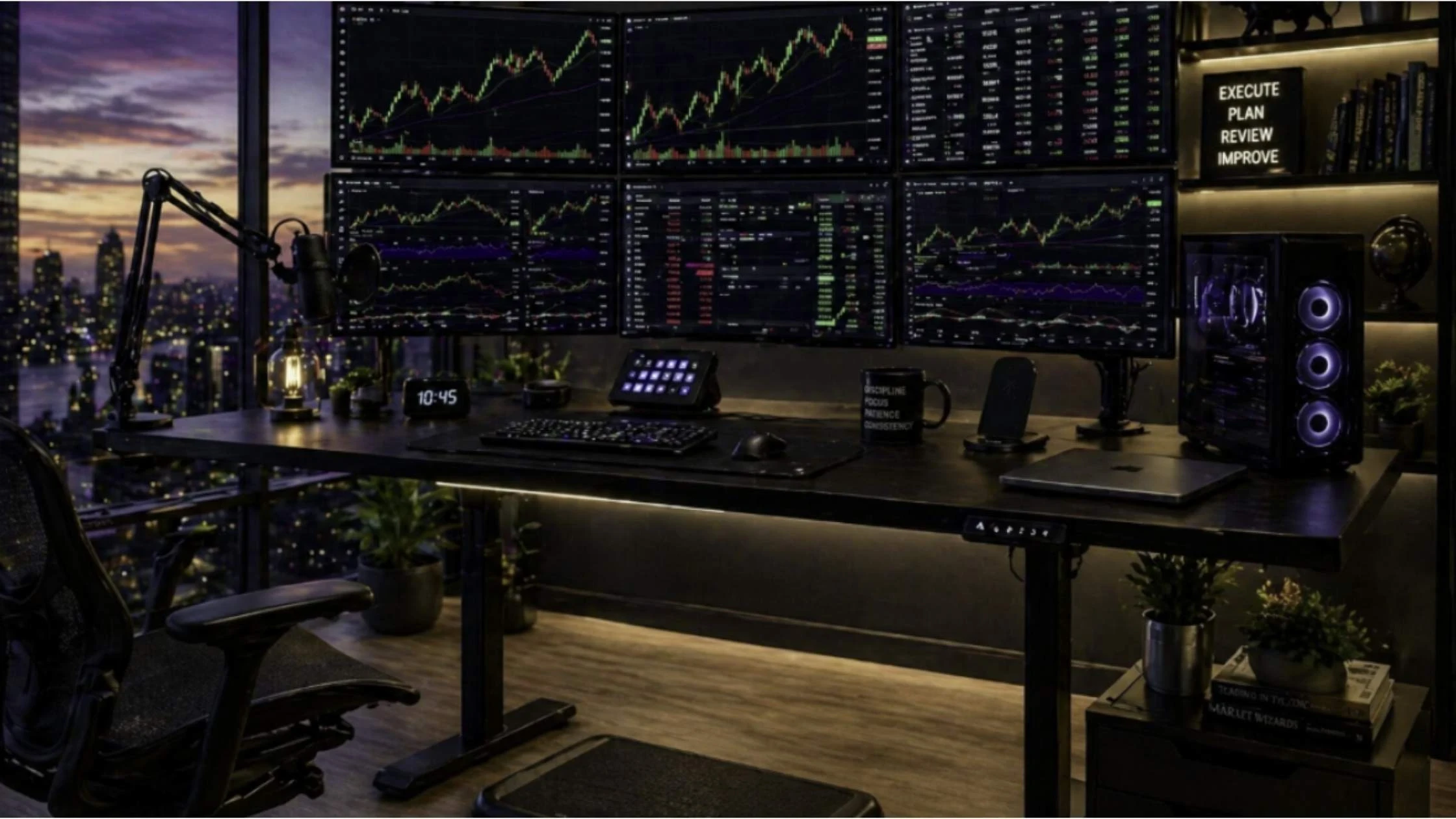
A standing desk can be a game-changer for traders.
When you spend hours sitting and watching charts, switching between sitting and standing can improve posture, reduce fatigue, and help you stay more alert during key trading sessions.
For traders who spend long periods at the desk, a height-adjustable desk isn’t just a luxury—it can improve comfort and productivity.
Why Traders Should Consider a Standing Desk
Trading often means long hours of sitting.
This can lead to:
- lower back pain
- neck stiffness
- poor posture
- reduced energy
- less focus over time
A standing desk helps you move more throughout the day.
Benefits include:
Better Posture
Standing encourages a more natural spine position and reduces slouching.
Increased Energy
Many traders feel more alert and engaged when standing during volatile market sessions.
Less Fatigue
Alternating positions reduces stiffness and discomfort.
Improved Focus
Changing posture can mentally “reset” you during long sessions.
For example, you may sit during analysis and stand during active market hours, such as the London Open or the New York session.
What to Look for in a Standing Desk
Before buying, consider these features:
Size
Your desk should fit your setup comfortably.
Recommended sizes:
- 120cm–140cm for single or dual monitor setups
- 160cm+ for 3+ monitors or larger workspaces
Weight Capacity
Multiple monitors, monitor arms, and a PC can be heavy.
Make sure the desk can support your equipment.
Electric Height Adjustment
Electric desks are faster and easier to adjust than manual desks.
Memory presets are a bonus.
Stability
A shaky desk can be frustrating when typing or placing trades.
Look for strong frames and good reviews.
Cable Management
Some desks come with built-in cable trays.
Useful for keeping your workspace clean.
Best Standing Desks for Traders in 2026
When you spend hours sitting and watching charts, switching between sitting and standing can improve posture, reduce fatigue, and help you stay more alert during key trading sessions.
For traders who spend long periods at the desk, a height-adjustable desk isn’t just a luxury – it can improve comfort, focus, and productivity.
If you trade during active market sessions like the London Open or New York Open, standing for part of the session can help you stay engaged and energised.
Here are some of the best standing desks for traders in 2026 – all available on Amazon.
FlexiSpot E7 – Best Overall Standing Desk
Height Adjustable | Dual Motor | Memory Presets
The FlexiSpot E7 is one of the most popular standing desks for traders and home office users.
It offers excellent stability, a smooth and quiet dual-motor lifting system, and memory presets so you can switch positions instantly.
This desk is ideal for dual- and triple-monitor setups.
✅ Strong and stable frame ✅ Smooth and quiet height adjustment ✅ Great value for money ✅ Memory presets included ✅ Excellent for multi-monitor setups
❌ Cable management is basic ❌ Accessories are often sold separately
ErGear Electric Standing Desk – Best Budget Option
Affordable | Electric Height Adjustment | Great Starter Desk
If you’re building your first trading setup, the ErGear Electric Standing Desk is a solid, affordable option.
It offers electric height adjustment and enough space for a laptop and one or two monitors.
Perfect for beginner traders.
✅ Affordable ✅ Easy electric adjustment ✅ Great for beginners ✅ Clean and simple design
❌ Less stable than premium desks ❌ Smaller desktop options
FEZIBO Standing Desk – Best Mid-Range Option
Memory Presets | Good Value | Stylish Design
The FEZIBO Standing Desk is a popular mid-range choice for traders.
It offers a nice balance between affordability and premium features.
A great option for dual-monitor setups.
✅ Good value for money ✅ Memory preset controls ✅ Stylish design ✅ Good size options
❌ Not as premium as FlexiSpot ❌ Stability can vary depending on size
FEZIBO L-Shaped Standing Desk – Best Premium Corner Desk
160 × 120 cm | 3 Drawers | L-Shaped Design
If you need ample desk space for trading, journaling, and content creation, this FEZIBO L-shaped standing desk is a strong option.
The large corner design gives you plenty of room for multiple monitors, a laptop, and accessories – perfect for a trading command centre.
The 3 built-in drawers help keep your desk organised and clutter-free.
✅ Spacious L-shaped design ✅ 3 drawers for storage ✅ Great for multi-monitor setups ✅ Rustic brown premium look ✅ Perfect for trading + content creation
❌ Single motor is slower than dual/triple motor desks ❌ Takes longer to assemble ❌ Needs a large room or office space
Standing Desk Accessories
To improve comfort even more, consider:
- anti-fatigue mat
- monitor arms
- footrest
- cable trays
- under-desk storage
These can make long sessions easier.
Is a Standing Desk Worth It?
For active traders, the answer is often yes.
A standing desk won’t improve your strategy.
But it can improve:
- comfort
- focus
- energy
- posture
And when you’re trading for hours every day, comfort matters.
A great standing desk can help you stay disciplined and productive for longer.
Best Chairs for Long Trading Sessions
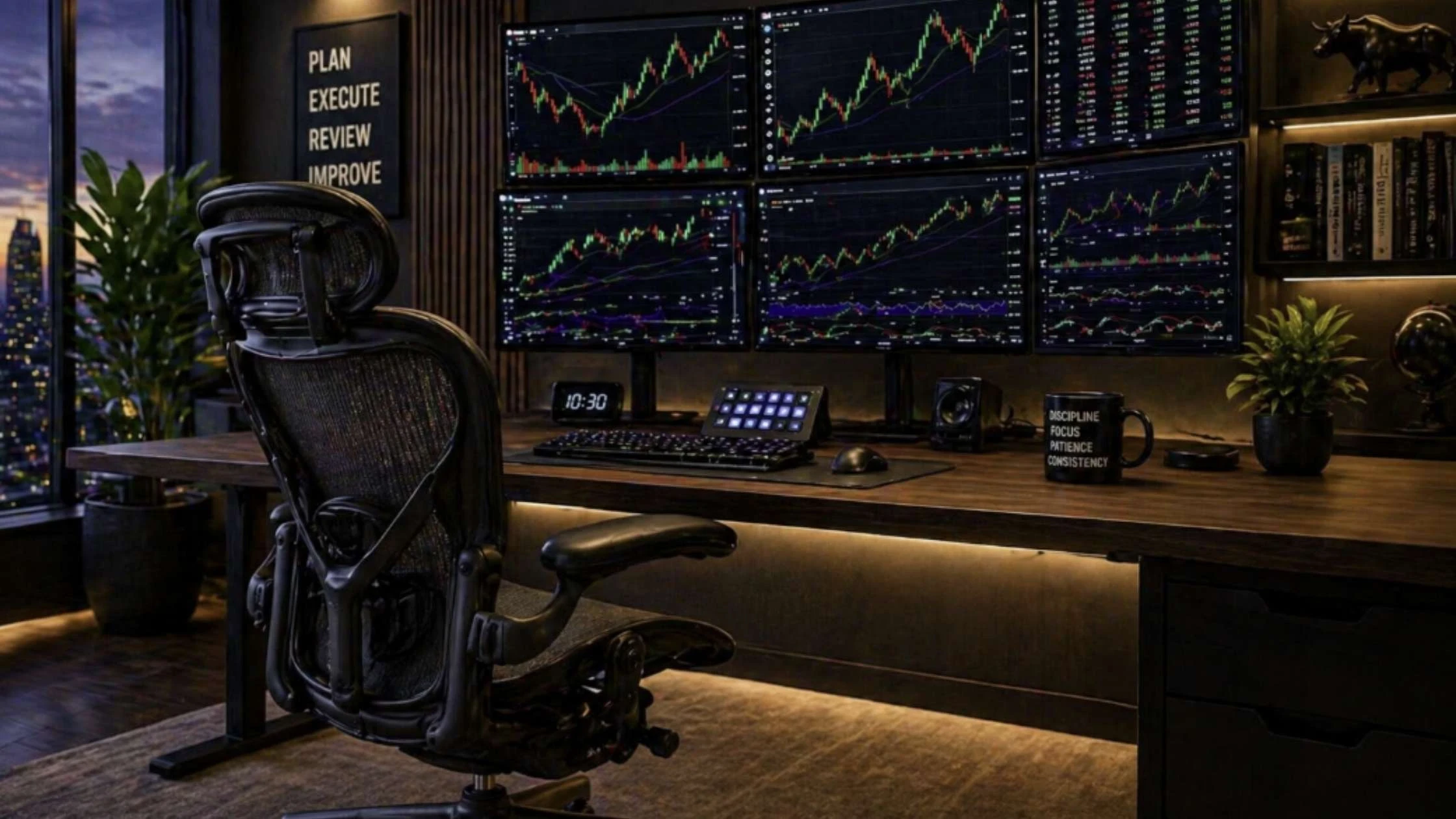
A good chair is one of the most important investments you can make as a trader.
You may spend hours sitting in front of charts, waiting for setups, managing trades, journaling, or reviewing your performance.
A poor-quality chair can lead to back pain, neck strain, poor posture, and reduced focus.
A high-quality ergonomic chair can improve comfort, support your posture, and help you stay locked in longer.
Why Your Chair Matters
Long trading sessions often mean long periods of sitting.
This can cause:
- lower back pain
- shoulder tension
- neck stiffness
- poor circulation
- fatigue and discomfort
When your body feels uncomfortable, your concentration drops.
And in trading, lack of focus can lead to mistakes.
The right chair helps reduce physical stress so you can focus on the charts—not your back.
What to Look for in a Trading Chair
Not all chairs are created equal.
Here’s what traders should prioritise:
Lumbar Support
Lower back support is crucial.
A chair with adjustable lumbar support helps maintain natural spine alignment.
Adjustable Armrests
Your arms should rest comfortably while using your keyboard and mouse.
Adjustable armrests reduce shoulder tension.
Seat Cushion and Depth
A comfortable seat reduces pressure on your legs and improves circulation.
Seat depth adjustment is a bonus.
Breathable Material
Mesh-backed chairs can keep you cooler during long sessions.
Tilt and Recline
The ability to lean back and change positions can reduce fatigue.
Best Chairs for Traders in 2026
You may spend hours sitting in front of charts, waiting for setups, managing trades, journaling, or reviewing performance.
A poor-quality chair can lead to:
- back pain
- neck strain
- poor posture
- fatigue
- reduced focus
A high-quality ergonomic chair can improve comfort, support your posture, and help you stay focused for longer.
Here are some of the best chairs for traders in 2026—all available on Amazon.
SIHOO Doro C300 – Best Overall Ergonomic Chair
Ergonomic | Adjustable Lumbar Support | Great Value
The SIHOO Doro C300 is one of the best-value ergonomic office chairs available.
It offers excellent lumbar support, breathable mesh, and plenty of adjustability.
Ideal for long trading sessions.
✅ Adjustable lumbar support ✅ Breathable mesh back ✅ Adjustable armrests ✅ Great value for money
❌ Less premium than Herman Miller ❌ Assembly required
Eureka Ergonomic Typhon – Best Premium Gaming Style Chair
A premium ergonomic gaming-style chair designed for long hours of comfort and support.
The Eureka Typhon combines a stylish modern look with strong back support and a professional feel—ideal if you want your trading office to look sleek while staying comfortable during long market sessions.
✅ Stylish premium design ✅ Strong lumbar and back support ✅ Comfortable for long hours ✅ Modern professional look
❌ More expensive than budget chairs ❌ Bulkier than standard office chairs
Hbada Ergonomic Office Chair – Best Budget Option
Affordable | Ergonomic | Beginner Friendly
The Hbada ergonomic office chair is a great, affordable option.
Perfect for beginner traders building their first setup.
✅ Affordable ✅ Ergonomic support ✅ Clean modern design
❌ Less adjustability ❌ Not ideal for very long sessions
Durrafy Ergonomic Office Chair – Best Mid-Range
Footrest | Reclining | Comfortable
A comfortable mid-range option with reclining support and a footrest.
Great if you spend long hours at your desk.
✅ Reclining function ✅ Footrest included ✅ Comfortable cushioning
❌ Bulkier design ❌ Less premium finish
SIHOO M57 – Best Affordable Mesh Chair
Mesh Back | Ergonomic | Great Value
The SIHOO M57 is another strong affordable ergonomic option.
Simple, breathable, and practical.
✅ Breathable mesh ✅ Ergonomic support ✅ Affordable
❌ Less premium feel
A great chair won’t improve your strategy…
But it can improve your comfort, posture, and focus—and that can help you trade better.
Office Chair vs Gaming Chair for Trading
This is a common debate.
Office Chairs
Pros:
- designed for long work sessions
- better ergonomics
- Often more adjustable
Gaming Chairs
Pros:
- stylish designs
- high back support
- Often cheaper than premium office chairs
For most traders, ergonomic office chairs are the better choice.
Comfort and posture matter more than appearance.
Is an Expensive Chair Worth It?
If you trade daily, yes.
A premium chair can last for years and reduce physical pain.
Think of it as an investment in your productivity and health.
A cheap chair may save money now, but cost you in discomfort later.
For long trading sessions, your chair can affect:
- focus
- posture
- energy levels
- overall comfort
And when you’re trying to stay disciplined during long hours in front of the charts, every little advantage helps.
Best Accessories for a Trading Desk
Once you have the basics—desk, chair, monitors, and a reliable computer—the right accessories can make your trading desk setup cleaner, more comfortable, and more efficient.
Accessories may seem optional…
But small upgrades can improve focus, reduce stress, and streamline your workflow.
Essential Trading Desk Accessories
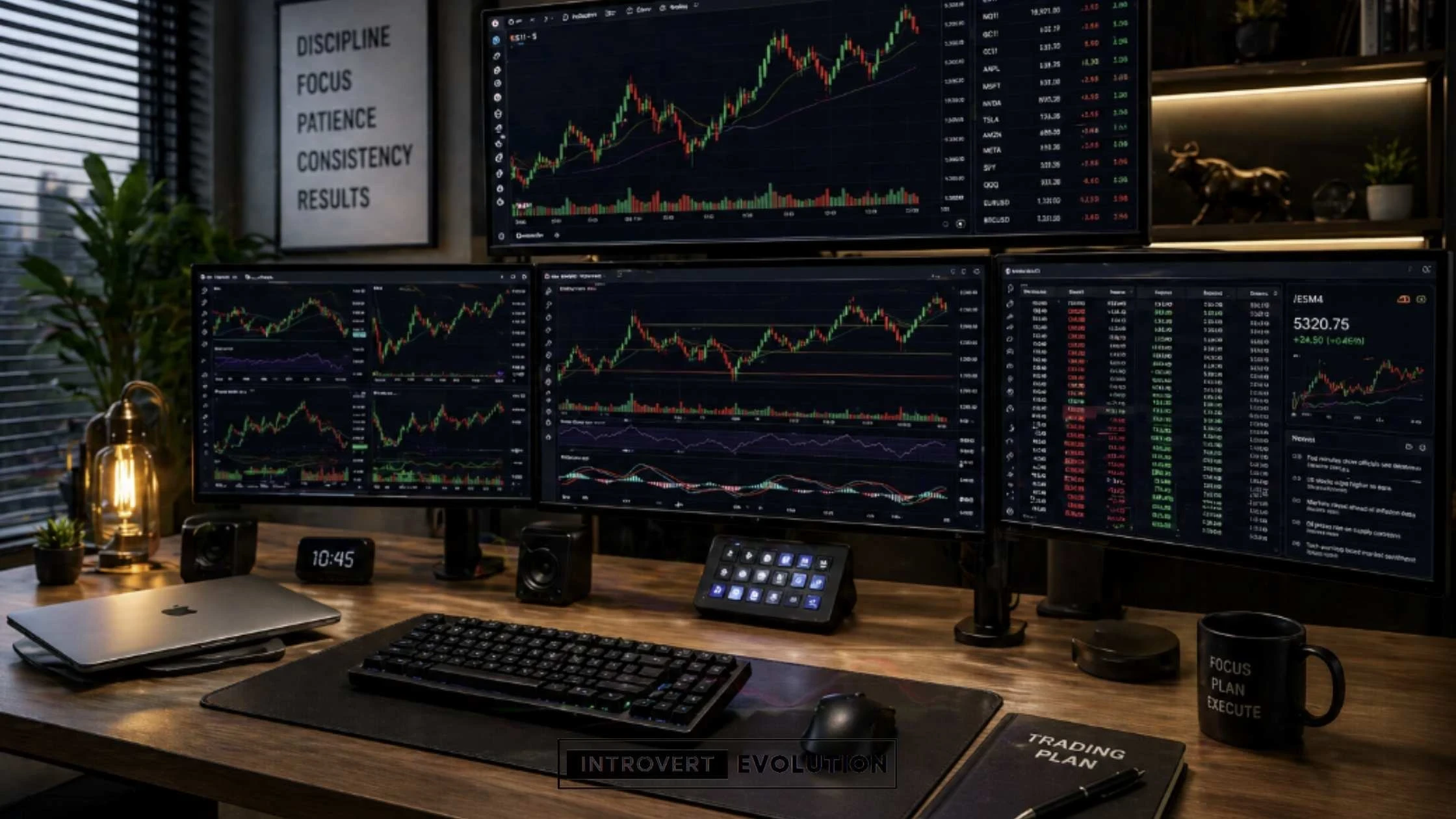
These small upgrades can improve focus, reduce stress, and streamline your workflow.
Here are some of the best trading desk accessories available on Amazon.
HUANUO Dual Monitor Stand – Best Budget Monitor Arm
Frees up desk space and improves ergonomics.
✅ Better monitor positioning ✅ More desk space ✅ Affordable ✅ Cleaner setup
Ergotron LX Monitor Arm – Best Premium Monitor Arm
A premium highly adjustable monitor arm.
✅ Premium build quality ✅ Smooth movement ✅ Great for ultrawide or heavier monitors
Logitech MX Keys – Best Productivity Keyboard
Quiet, premium, and perfect for trading and content creation.
✅ Quiet typing ✅ Premium feel ✅ Multi-device support
Keychron K2 – Best Mechanical Keyboard
Compact and satisfying to type on.
✅ Mechanical feel ✅ Compact design ✅ Wireless option
Logitech MX Master 3S – Best Ergonomic Mouse
One of the best productivity mice.
✅ Ergonomic ✅ Silent clicks ✅ Programmable buttons
BenQ ScreenBar – Best Monitor Light Bar
Reduces eye strain without taking desk space.
✅ Saves desk space ✅ Adjustable brightness ✅ Great for night trading
Sony WH-1000XM5 – Best Noise-Cancelling Headphones
Ideal for introverts and traders needing focus.
✅ Incredible noise cancelling ✅ Comfortable ✅ Premium audio
Logitech Brio – Best Webcam
Perfect for content creation and calls.
✅ 4K video ✅ Professional quality
Blue Yeti Microphone – Best Microphone
Ideal if you stream or create content.
✅ Great sound quality ✅ Plug and play
APC UPS Battery Backup – Best UPS
Protects trades during power cuts.
✅ Backup power ✅ Protects equipment
TP-Link 4G/5G Mobile Hotspot – Best Backup Internet
Helps keep you online during outages.
✅ Reliable backup internet ✅ Portable
Accessories won’t make you profitable.
But they can make trading:
- smoother
- more comfortable
- less stressful
- more professional
The goal is to create a clean, efficient workspace where you can focus on execution—not distractions.
How to Build a Trading Desk Setup on Any Budget
You don’t need to spend thousands to create an effective trading desk setup.
A profitable trader can start with a simple laptop and one monitor.
A losing trader can sit behind six screens.
Your setup should match your budget, experience level, and needs.
The goal is not to impress people online.
The goal is to create a workspace that helps you stay focused, organised, and disciplined.
Trading Desk Setup £300–£800
If you’re on a tight budget, focus on the essentials.
At this level, prioritise function over aesthetics.
Recommended Budget Setup:
- Budget desk → ErGear Electric Desk
- Budget chair → Hbada Ergonomic Chair
- Budget monitor → LG 27MP400
- Budget accessories → keyboard + mouse combo
Estimated total: £300–£800
This is enough to start learning and building consistency.
Trading Desk Setup Between £800–£2,000
This is where things become more comfortable and efficient.
At this level, you can upgrade ergonomics and screen space.
Recommended Mid-Range Setup:
- Standing desk → FlexiSpot E7
- Ergonomic chair → SIHOO Doro C300
- Dual monitors → Dell S2721HS x2
- Keyboard → Logitech MX Keys
- Mouse → Logitech MX Master 3S
Estimated total: £800–£2,000
Ideal for serious part-time traders.
Trading Desk Setup £2,500+
This is a premium or professional-level setup.
Ideal for full-time traders or content creators.
Recommended Premium Setup:
- Premium standing desk → FEZIBO L-Shaped Standing Desk
- Premium chair → SIHOO Doro C300 / premium option
- Premium monitor → Samsung Odyssey G9 or LG Ultrawide
- Monitor arms → Ergotron LX
- UPS → APC UPS
- Backup internet → TP-Link Hotspot
Estimated total: £2,500+
This creates a true command centre.
Smart Upgrade Order
If you’re upgrading over time, prioritise in this order:
- Better Monitor
- Better Chair
- Better Desk
- Monitor Arms
- Standing Desk
- Accessories
The best trading desk setup is the one you can afford and use consistently.
Start simple.
Upgrade as your trading improves.
Remember:
Your setup should support discipline… not distract you from it.
Common Desk Setup Mistakes Traders Make
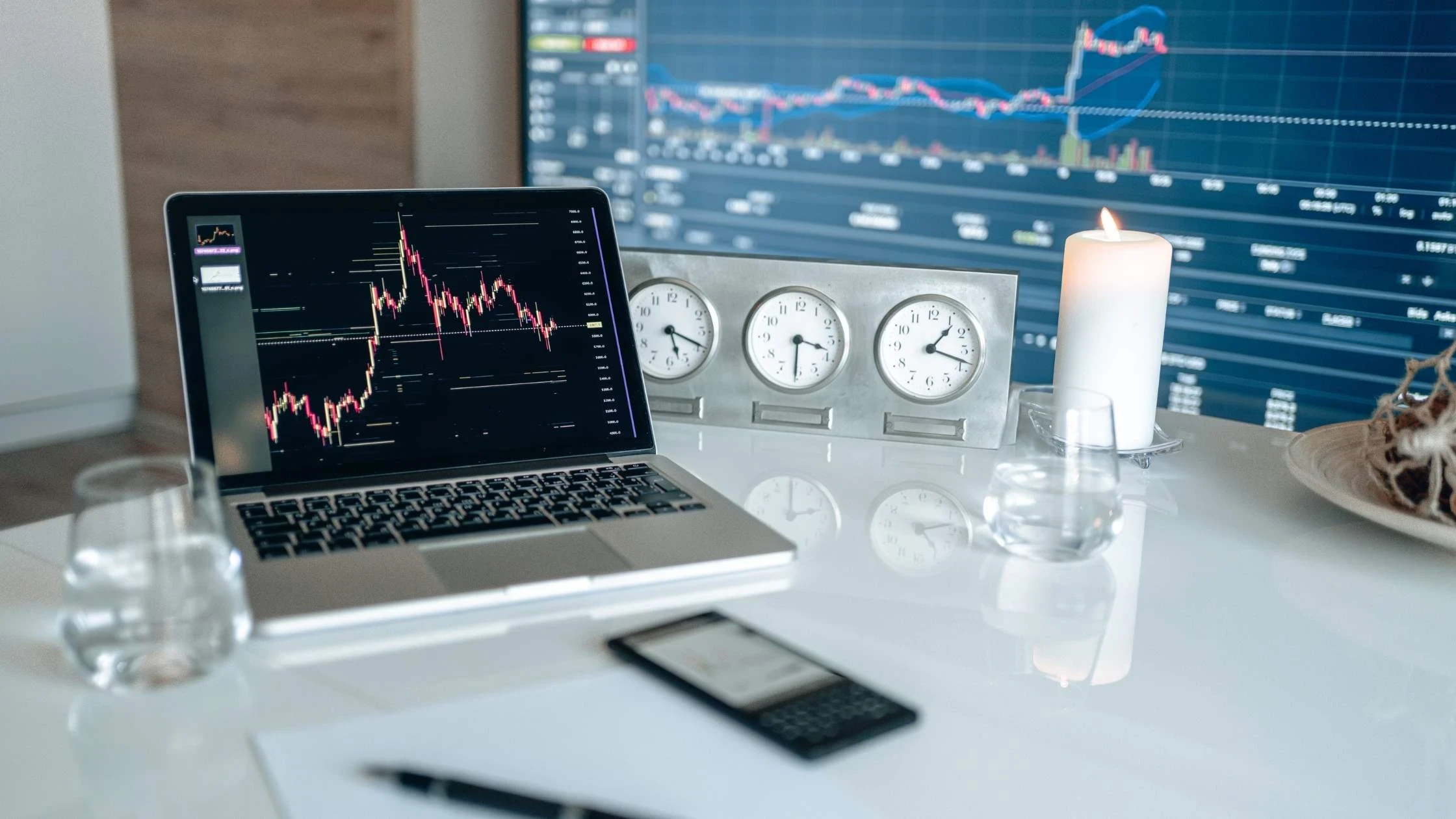
A great trading desk setup can improve focus and efficiency.
But the wrong setup can create distractions, discomfort, and unnecessary stress.
Many traders waste money on flashy gear or create setups that look impressive but actually hurt performance.
Avoiding these common mistakes can save you money—and help you trade better.
1. Too Many Screens
More monitors aren’t always better.
Some traders believe they need 4, 6, or even 8 screens to be profitable.
In reality, too many screens can create:
- information overload
- distractions
- analysis paralysis
For many traders, 2 or 3 screens are more than enough.
A clean setup often leads to clearer thinking.
2. Poor Ergonomics
Bad posture can ruin long trading sessions.
Common ergonomic mistakes include:
- monitors too low or too high
- chair without proper lumbar support
- wrists bent awkwardly while typing
- slouching forward
This can cause:
- neck pain
- back pain
- wrist strain
- fatigue
Comfort affects focus.
And focus affects execution.
3. Buying Cheap Equipment That Slows You Down
A slow laptop or a poor-quality monitor can create frustration.
Examples:
- laggy execution platform
- freezing charts
- blurry screens
- unreliable mouse or keyboard
Cheap gear can cost more in mistakes and stress.
Invest in the essentials first.
4. Weak Internet Connection
This is a dangerous mistake.
A dropped connection during an active trade can be costly.
Always use:
- reliable broadband
- wired Ethernet if possible
- backup hotspot or mobile internet
Internet is your lifeline.
5. Ignoring Cable Management
Messy cables create visual clutter.
Visual clutter can create mental clutter.
A clean workspace can improve focus and make your setup feel more professional.
Use:
- cable trays
- Velcro ties
- cable sleeves
Simple fixes make a big difference.
6. Poor Lighting
Bad lighting causes eye strain and headaches.
Trading in a dark room with bright screens can quickly fatigue your eyes.
Use:
- natural light, if possible
- desk lamps
- monitor light bars
- ambient LED lighting
Good lighting improves comfort.
7. Trading in a Distracting Environment
Your desk location matters.
Trading near distractions like:
- TV
- noisy family members
- cluttered spaces
- busy walkways
…can break concentration.
A dedicated quiet area helps.
As an introvert, you probably perform better in a calm environment.
8. Overcomplicating the Setup
Some traders spend more time tweaking their desk than improving their strategy.
Examples:
- endless indicators
- too many gadgets
- unnecessary upgrades
Remember:
A clean, simple workspace often works best.
Your edge comes from discipline – not RGB lights – and avoiding common trading mistakes.
The best trading setups are built for performance, not just aesthetics.
Avoiding these mistakes can improve:
- focus
- comfort
- speed
- discipline
And in trading, small improvements compound over time.
Frequently Asked Questions About Trading Desk Setups
What is the best desk setup for traders?
The best desk setup for traders includes a spacious desk, ergonomic chair, reliable computer, and at least one or two monitors.
A good setup should help you stay focused, comfortable, and organised while trading.
Beginners can start with simple setups, while professional traders may use multiple monitors and advanced accessories.
How many monitors do traders need?
Most traders can trade effectively with one to three monitors.
A beginner may only need one monitor or a laptop.
Intermediate traders often prefer dual monitors.
Professional traders may use three or more screens to monitor multiple charts, markets, and tools.
More screens are not always better—too much information can create distractions.
Are standing desks good for trading?
Yes, standing desks can be excellent for traders.
They allow you to switch between sitting and standing, which can reduce back pain, improve posture, and increase focus during long trading sessions.
Many traders find that standing during active market hours helps them stay more alert.
What is the best monitor size for trading?
For most traders, 27-inch monitors are ideal.
They offer enough screen space without taking up too much room.
24-inch monitors are good for beginners, while 32-inch or ultrawide monitors suit advanced traders.
For many traders, 2×27-inch monitors are a popular and effective setup.
What computer specs do traders need?
A good trading computer should have:
- a fast processor
- at least 16GB RAM
- SSD storage
- support for multiple monitors
Professional traders may prefer 32GB or more of RAM and more powerful systems for running multiple applications.
Is a gaming chair good for trading?
Gaming chairs can work, but ergonomic office chairs are usually better for long trading sessions.
Office chairs are often designed for posture support and long-term comfort.
Popular options include SIHOO, Hbada, Durrafy, and other ergonomic chairs available on Amazon.
How much does a trading desk setup cost?
A beginner setup can cost around £300–£800. A more comfortable intermediate setup may cost around £800–£2,000. Professional setups can cost £2,500+, depending on monitors, furniture, and accessories.
What accessories do traders need?
Useful accessories include:
- monitor arms
- cable management tools
- mechanical keyboard
- ergonomic mouse
- trading journal
- backup internet device
- UPS battery backup
- monitor light bar
These can improve comfort and efficiency.
Do professional traders use multiple monitors?
Yes, many professional traders use multiple monitors.
This helps them track charts, news, execution platforms, and market context simultaneously.
However, some successful traders prefer simple setups.
The best setup depends on your strategy and workflow.
Build a Desk That Supports Your Trading Success
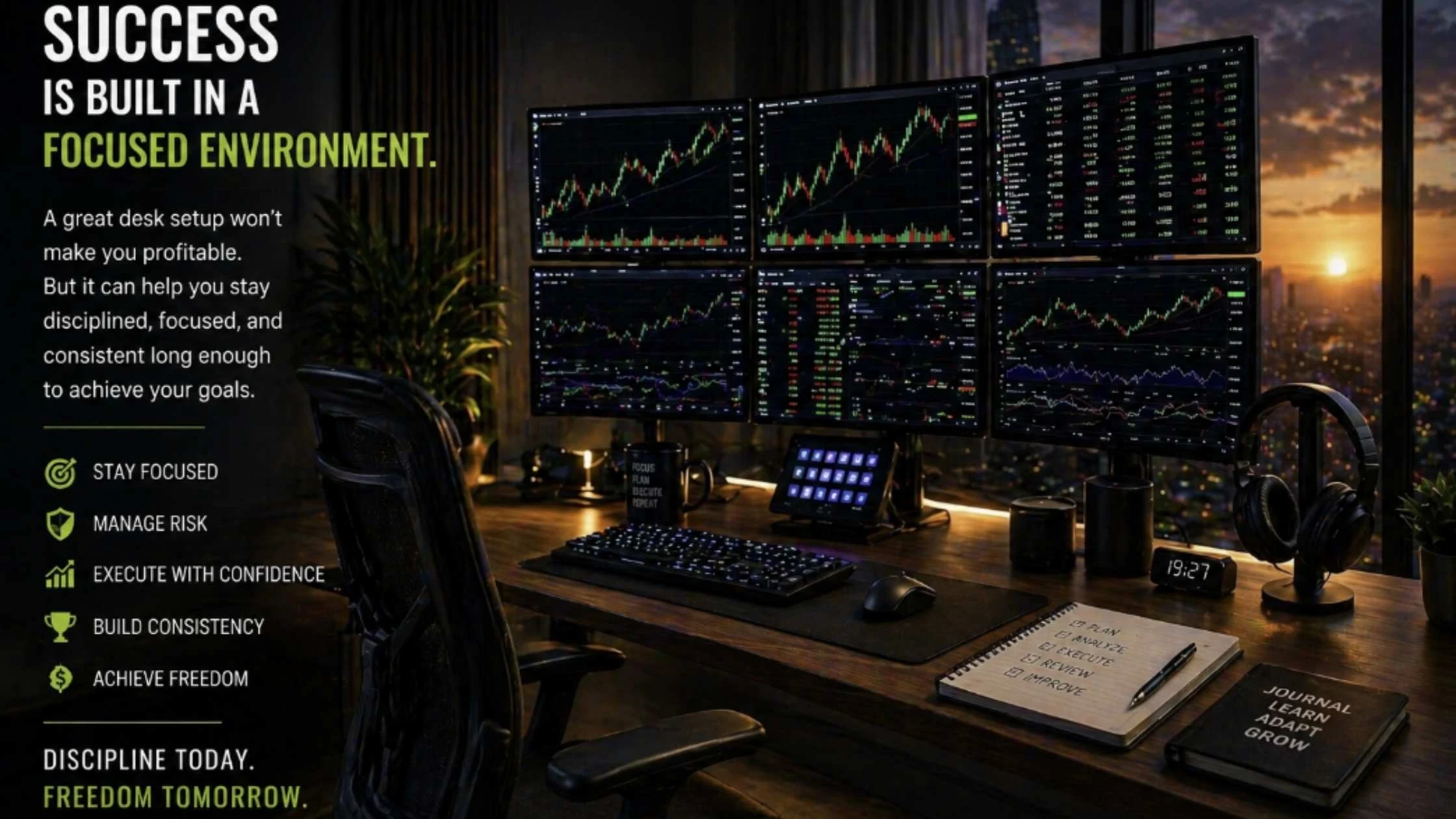
Your trading desk setup won’t make you profitable.
But it can make it easier to stay focused, organised, and disciplined.
A clean and efficient workspace helps reduce distractions, improve comfort, and support better decision-making during live market sessions.
Whether you’re just starting with a laptop and one monitor…
Or building a professional multi-screen command centre…
The goal is the same:
Create an environment that helps you perform at your best.
The best desk setups for traders in 2026 combine:
- comfort
- speed
- reliability
- ergonomics
- simplicity
You don’t need the most expensive gear.
You need equipment that supports your workflow and helps you execute your strategy with confidence.
Start with the basics.
Upgrade over time.
And remember:
A profitable trader is built through discipline, patience, and consistency…
Not through fancy monitors alone.
If you’re serious about improving your trading performance, your workspace is one of the best places to start.
Now it’s your turn.
Build a desk setup that supports your goals – and trade like a professional.
Recommended Reading
→ Risk Management 101: How to Protect Your Capital → 10 Common Trading Mistakes and How to Avoid Them → Beginner’s Guide to Futures Trading → Is Trading the Perfect Career for Introverts? → 15 Daily Rituals of Highly Successful Introverts
Thank you for your time. I hope you found this article helpful. If you have any questions, please comment below or contact me here.
Have a great day!